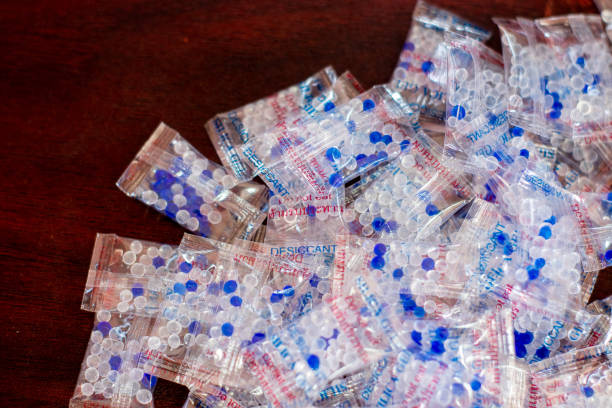
How to dry a wet phone with / without silica gel?
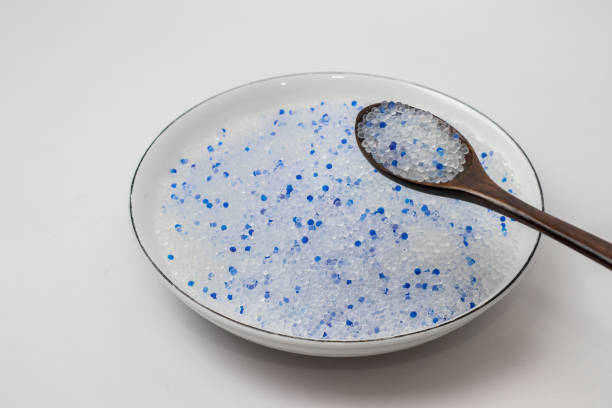
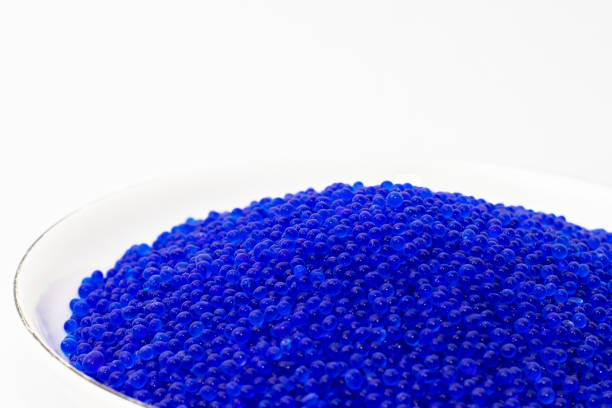
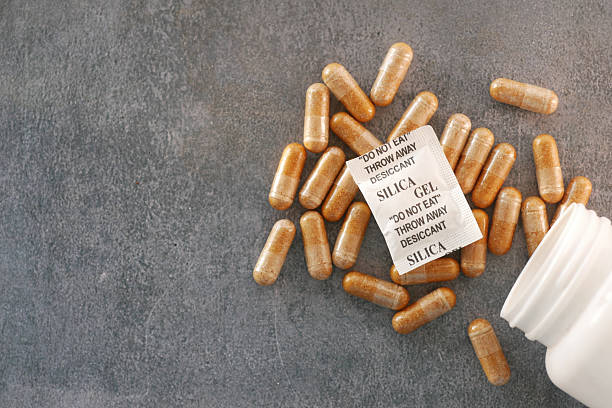
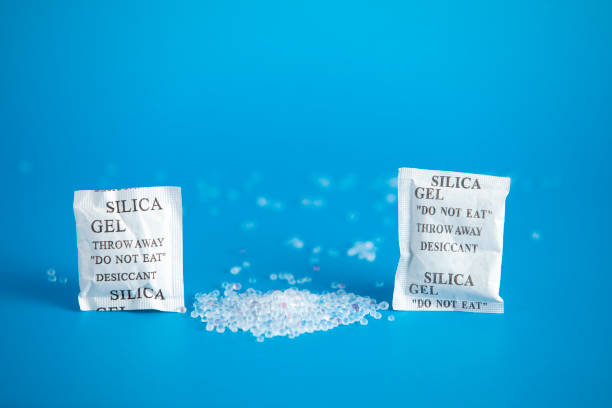
Most people remember at least one moment where their phone took an unexpected dive—maybe the bathroom sink, a puddle near the sidewalk, or the inside of a washing machine that shouldn’t have been running. The sinking feeling comes fast. Phones don’t like water. Until someone invents models that laugh at a splash, it’s clear that even “water-resistant” phones face risk. Just because a commercial shows someone happily dunking their device in a pool doesn’t mean real-life smartphones hold up in practice. From my experience, it feels urgent to act quickly, but decisions made in the first minutes make all the difference between a little scare and a phone graveyard.A phone won’t wait for you to research the most thorough drying protocol. The instant water touches the inside, the clock starts ticking. Pull the device out as soon as possible—speed matters. If the phone is on, turn it off immediately. Electricity and water can kill tiny components in seconds. Never try to test or charge the phone while it feels even slightly damp. Remove the case, SIM card, SD card if you have one, and gently blot away as much obvious moisture as possible using paper towels, cloth, a T-shirt, whatever’s nearby. Don’t start shaking or tapping the phone to get water out, either. That spreads droplets deeper. Experience has shown me that patience and steady hands reduce the urge to panic, which keeps things from getting worse.A lot of people overlook those little silica gel packets tucked in boxes of shoes, electronics, or vitamins. Their labels scream “Do Not Eat”, but nobody says “Use these to save your phone!” which feels like a missed opportunity in packaging design. Silica gel works by pulling in moisture from around it. Researchers have shown silica can help draw out water from crevices and under chips inside small electronics. If you keep silica gel packets around, grab as many as you can find and pour them into a sealable bag or container. Bury the phone surrounded on all sides, seal the bag, and leave it for at least a day. The more packets, the better—just a handful won’t be enough for a big phone, so dump in the whole stash if you have it. If you want an extra edge, some people “recharge” their silica packets ahead of time with gentle baking, restoring their drying power. Having a few on hand in a drawer at home can feel almost as useful as having an extra phone charger.Not everybody has silica at the ready. That’s real life. The next best thing is finding another dry, desiccant material. Rice comes up a lot online, and it does absorb some moisture, but not nearly as quickly as silica. Uncooked instant rice works a bit better than standard long grain because it’s more porous, but it still won’t match silica. Rice can get inside ports and cracks, causing new headaches, and the FDA points out that food particles and starch can attract more problems. Oats, cat litter, and even some brands of kitty litter made with silica crystals can help, provided they don’t shed dust that clogs ports even more. The process means sealing the phone deep inside a bowl or bag with your chosen drying agent and waiting at least 24 hours. The odds go up with time, but electronics show no mercy to shortcuts. If you need your device soon, options thin out fast.Some folks recommend using a hair dryer, microwave, or plain old oven in desperation. Over the years, advice forums fill with stories about new problems created by too much heat. Heat can warp screens, melt glue, or leave internal components looking like abstract art. Heating methods might speed up evaporation, but they bring a massive risk of permanent damage. Shoving a phone inside a bag of rice and hoping for the best still beats risking a meltdown. Somewhere along the line, many have learned the hard way: repairing warped screens or damaged solder costs more than replacing a phone. Avoid blowing air into ports or headphone jacks, too. That only shoves water further inside, driving it deeper into unreachable spaces.For those prone to accidents, prevention beats every cure. Waterproof cases make a real difference. Brands tested by consumer groups with real-world drops into water save many phones each year. Airtight zippers and hard shells stand up to soaking far better than basic rubber sleeves. Regular backups take some of the worry out of the equation, since nothing stings quite like losing all your photos, notes, and contacts in one careless moment. Consider insurance or extended warranties if you find yourself dropping phones regularly or work in wet environments. A small investment up front looks trivial next to the costs and hassle of emergency repairs or replacements.Phones aren’t getting cheaper. Prices go up, upgrades get delayed, and repair costs keep climbing. Few people keep spare devices in a drawer anymore. Cell phones keep us in touch with loved ones and provide access to banking, work, and two-factor authentication. Losing a phone means more than just inconvenience. Slowing down and using proven methods, whether that’s stashing silica gel or investing in a tough case, saves cash and headaches. The internet’s loaded with advice, but science continues to back up the basics: get the phone off, pull out cards, dry what you can see, and try silica gel before falling for myths. No panic, no hair dryer, just the basics. That’s how more people save their tech and their wallet in an age where phones run so much of daily life.